
Digital Safety Reporting Hub
If you have been attacked online, we want you to remember that it is not your fault. This hub walks with you step by step — from taking care of yourself, to gathering evidence, to reporting harmful content and profiles on the platform where it happened, with screenshots for every guide.
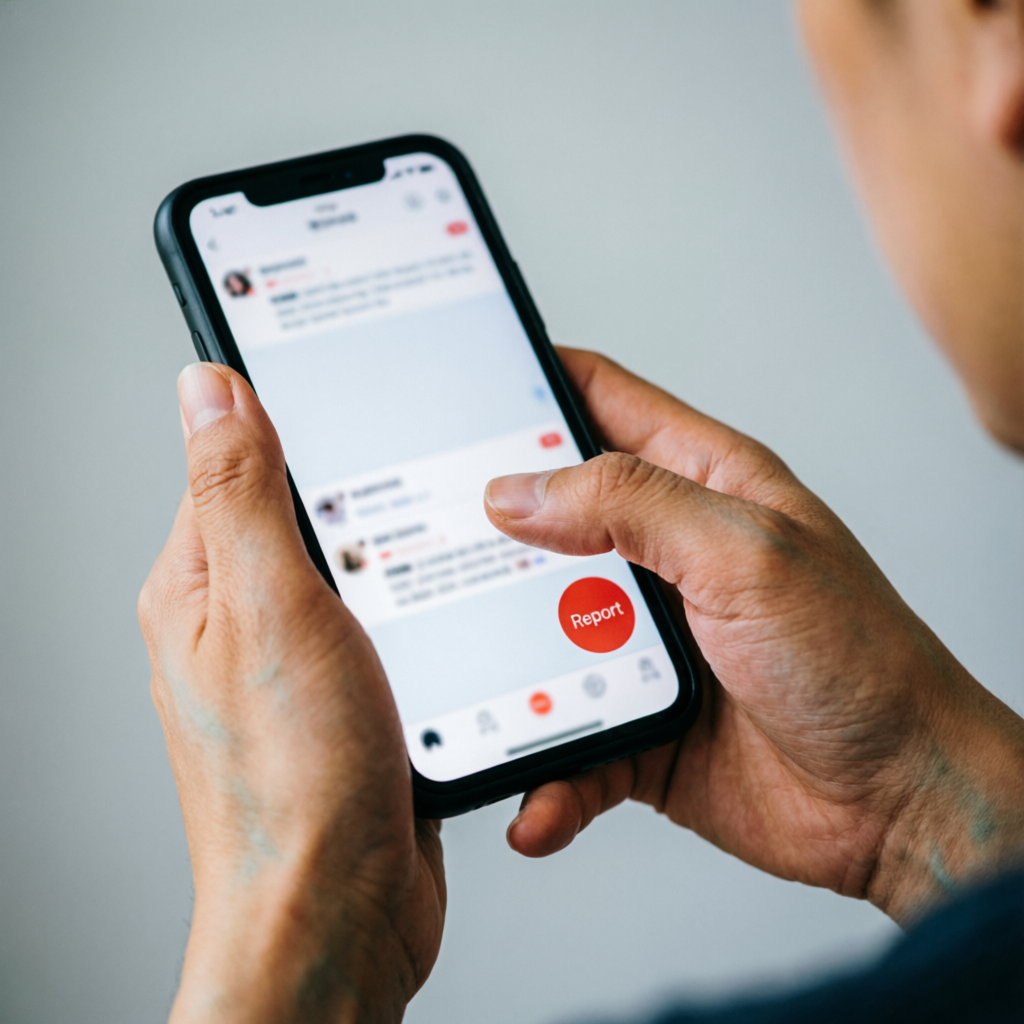
Put Yourself First 💗
Your health and safety come before everything else.
Online abuse can be traumatising. One thing to keep in mind is that you are the top priority. It is not your fault that you have been attacked. No matter what action you decide to take, remember that your health and safety come first.
Ask yourself
Firstly, do you feel physically safe? If not, do you need to contact the authorities or go to another place?
Do you have friends or family you can reach out to for support? Sharing what you are going through can be a big help.
Consider a break
Sometimes, a break from social media might just be what you need to process or relax your mind. If you are not sure about how to do this, try:
- Turning off alerts and simply putting your phone away.
- Deleting social media apps. You can always download them back later.
Stop and Block 🚫
They can't hurt you if they can't reach you.
If someone is attacking you online, one way you can immediately stop the attack is to stop contact with them.
- Do not respond to what they say and do not reply to their messages — even if they try different ways to contact you or send lots of messages to you or about you.
- Stop replying to them even if they are making threats or blackmailing you. If they are making threats, you might need to go to the police.
- Block them on social media apps or messaging platforms.
- Stop all social media posts for now while you work your way through this. You will be back later.
Gather Evidence 📸
Do this before reporting — keeping a record helps you take action.
It might be difficult to look back at harmful messages or images, but keeping a record helps you while taking action against the perpetrator. If it gets too much, remember to take a break before you continue.
- Use your phone or your computer to take screenshots of all the harmful messages or posts you can find. (Help: take screenshots on Android and take screenshots on iPhone.)
- Make sure you include the names of the accounts that attacked you in the screenshots. Make sure you get any web addresses you can.
- Once you have gathered the evidence, you are ready to report to the platforms.
✅ Your evidence checklist
Report to the Platform
Pick the platform where the harm happened, open the exact thing you want to report, and follow the steps with matching screenshots.
Talk About It 💬
You don't have to carry this alone.
Talking helps — when you need advice on what you can do with the situation, and when you need someone to help you work through your emotions.
- If you have a therapist available, you might want to speak to them about the way your experience has affected you.
- You might also want to share what has happened with your close friends or family.
Take Legal Action ⚖️
Your evidence can be really useful here.
Because online attacks and harassment can be both harmful and illegal, consider speaking with the local authorities or reaching out to us for support. Having your gathered evidence ready will be key, particularly if you are dealing with a scam.
You've made it this far.
That takes real strength. Take it one step at a time, lean on the people around you, and remember — it was never your fault.
Get Legal SupportDigital Safety Hub
The safest accounts are the hardest ones to get into. Learn how to keep your accounts, devices and personal information out of the wrong hands — and know what to do if an attack ever comes.
Keep Your Accounts Safe 🔐
Make it hard to guess, hard to enter — tick them off as you go.
The safest accounts are the hardest ones to get in. Make sure your passwords are strong and double-protected, to keep other people from getting into your accounts.
Be Careful with Your Devices 📱
Your phone holds your most private data.
Almost everyone stores their most private data on their phone. Keeping your personal information safe means keeping your phone out of the wrong people's hands.
- Keep it with you. Watch your phone at all times, never share passcodes, and make sure others cannot see your screen — use a privacy screen or hide notification previews.
- Watch your connections. Avoid public Wi-Fi unless you have a VPN set up. Turn off Bluetooth and Wi-Fi when you don't need them.
- Set up "Find my phone". So you can locate it if you lose it — and remove data from your accounts remotely.
Beware of What You Share 🤫
If you're not 100% sure, it is always safer not to share it.
It's easy for what you share online to be spread and misused in ways that you never intended, if someone wants to make it happen. Always ask yourself if you can trust the person or people you are sharing things with.
✅ Safe sharing habits
- Know who is following you online and what they can see.
- Block anyone you are not comfortable with — and know how.
- Lock your profile, go private, set posts to "friends only".
- Be cautious who you accept as a friend or follower.
- Regularly check and remove people from your lists.
- Use separate accounts and phones for work and personal posts.
🚫 Keep these private
- Phone numbers, address, email, workplace.
- Personal details on profiles or dating apps — less is safer.
- Financial information — never share it online.
- Intimate images — be extra careful; relationships change.
- Your live location — wait until you have left an area before posting.
- Anything you wouldn't want to become public — even "private" shares can leak.
- Someone contacts you "about your account" and asks for information, access, or money — it could be a scam.
- You don't know who they are? Don't give them information or send them money.
- Think twice before you share anything. If you're not sure, it's better not to share it or say it.
Prepare for Attack 🛡️
You will never be alone — there are lots of people who can help.
- Understand the harms. Know the different kinds of online harm and the ways that you can respond to them.
- Practice recording. Practice taking records of things that appear on your accounts so you know how to do it quickly.
- Remember your support. If you ever come under attack there are lots of people who can help you. You will never be alone.
- Know your tools. Even though the risk is there, there are ways to deal with it.
- Be an upstander. Never join in online attacks on anyone else, and stop or report others if you see this happening using the platform's safety tools. The internet should be a safe and respectful place for you and everyone else.
If an attack happens, these hubs walk you through it:
Digital Harm Recovery Hub
Experiencing harm online can be very distressful — you are not alone. There are things that can be done to stop the harm and help you recover from it, and this hub guides you through them.

Put Yourself First 💗
You are the top priority — it is not your fault.
Online abuse can be traumatising. One thing to keep in mind is that you are the top priority. It is not your fault that you have been attacked. No matter what action you decide to take, remember that your health and safety come first.
Ask yourself
Firstly, do you feel physically safe? If not, do you need to contact the authorities or go to another place?
Do you have friends or family you can reach out to for support? Sharing what you are going through can be a big help.
Sometimes, a break from social media might just be what you need to process or relax your mind. If you are not sure about how to do this, try:
- Turning off alerts and simply putting your phone away.
- Deleting social media apps. You can always download them back later.
Stop and Block 🚫
They can't hurt you if they can't reach you.
- Do not respond to what they say and do not reply to their messages, even if they try different ways to contact you and send lots of messages to you or about you.
- Stop replying to them even if they are making threats or blackmailing you. If they are making threats you might need to go to the police.
- Block them on social media apps or messaging platforms.
- Stop all social media posts for now while you work your way through this. You will be back later.
Record and Report 📸
Keeping a record helps you while taking action.
It might be difficult to look back at harmful messages or images — keeping a record helps you while taking action against the perpetrator. If it gets too much, remember to take a break before you continue.
- Screenshot everything. Use your phone or computer to capture all harmful messages or posts you can find.
- Capture names & links. Include the names of the accounts that attacked you, and any web addresses you can.
- Report with evidence. Once gathered, you are ready — the Reporting Hub has step-by-step instructions with screenshots.
Talk About It 💬
Talking helps — you don't have to carry this alone.
Talking helps — for when you need advice on what you can do with the situation, and for when you need someone to help you work through your emotions. If you need a safe space outside of your social circle or if you need help figuring out what to do, you can talk to a professional.
💬 Chat with our Counsellors- If you have a therapist available, you might want to speak to them about the way your experience has affected you.
- You might also want to share what has happened with your close friends or family.
Take Legal Action ⚖️
Your evidence can be really useful here.
Because online attacks and harassment can be both harmful and illegal, consider speaking with the local authorities or reaching out to us for support. Having your gathered evidence ready will be key, particularly if you are dealing with a scam.
If you're unsure where to start, you can reach out to us and we may be able to connect you to local support or legal organizations.
💬 Chat with our CounsellorsMental Health Care Hub
What you are feeling right now is your mind's and body's way of keeping you safe and helping you process what you had to go through. This hub helps you understand those feelings and care for yourself gently.

Understand What You Are Feeling 🫀
Your brain is in "survival mode" — trying to protect you.
The harm, trauma, or loss you had to experience can affect your body, emotions, thoughts, and behaviors.
- Pounding or fluttering heart at sudden noise
- Knot or tension in chest, shoulders or jaw
- Headaches, stomach aches or fatigue
- Feeling "jumpy", waiting for something else to happen
- Deep sadness or sudden tearfulness
- Irritability at small frustrations
- Moments of numbness, as if watching life through glass
- Unexpected bursts of anxiety, racing thoughts, breathlessness
- Running "what if" thoughts
- Difficulty focusing; your mind goes back to that day
- Hopeless or catastrophic thoughts: "Nothing will ever feel safe again."
- Avoiding places, sounds, or conversations that remind you of the event
- Sleeping too much or too little
- Changes in appetite — eating more for comfort, or losing interest in food
Seek Extra Support 🤝
It's a sign of strength, not weakness, to reach out.
You may want to seek support if you are:
- Having persistent thoughts of self-harm or hopelessness
- Feeling trapped in panic or deep sadness for weeks without relief
- Relying on alcohol or drugs to calm your nerves more than occasionally
- Withdrawing completely from friends, family, or community life
We're here to listen and support you through this.
💬 Chat with our CounsellorsTake Care Of Yourself 🌿
Six gentle categories — tap a card's arrow to open its habits.
Kindness toward yourself is the most important part of healing. Explore each category below — open the dropdown to see the habits inside.
❤️ Self-compassionate Habits
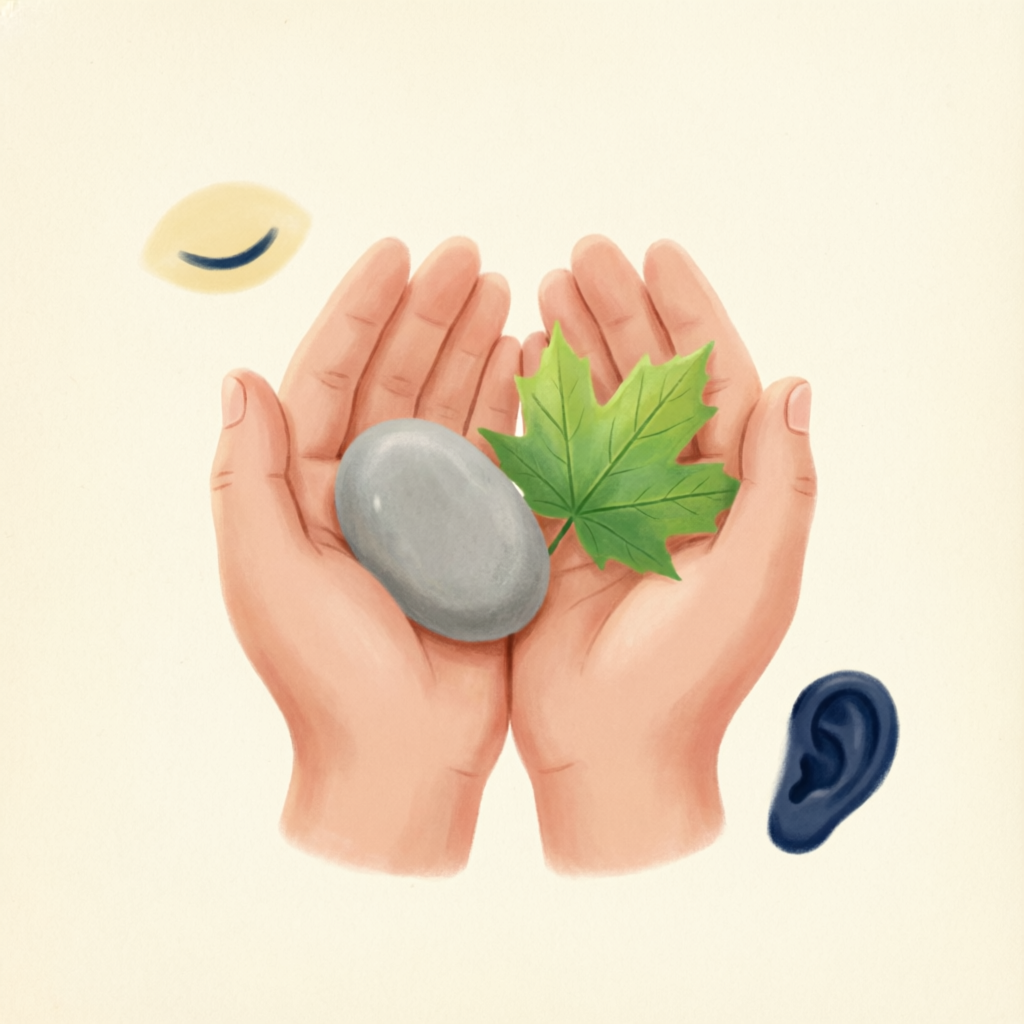
🧠 Grounding & Mindful Exercises
🖐️ Try it now — 5·4·3·2·1 grounding
A guided version of the exercise. Tap the button each time you notice something.
🧘 Breath & Body Calming Exercises
🌬️ 4–7–8 Breathing Coach
Inhale for 4 seconds · hold for 7 · exhale for 8. Follow the circle — it grows as you inhale and shrinks as you exhale. Repeat up to 4 rounds.

✍️ Daily Rhythms & Routines
I am thankful for
😴 Sleeping ~10 pm to 6 am — 7–9 hours uninterrupted is considered a healthy sleep routine z z z
✏️ Creative & Joyful Outlets
Today, I felt
One small thing that brought me comfort was
Right now, what I need most is

♥️ Community & Loved Ones
Use Social Media Safely 📱
Stay informed while protecting your peace of mind — one habit at a time.
News in its place — choose when and where you catch up, so updates never hijack your day.
- Limit updates to two specific times each day — e.g. morning and early evening.
- Choose reliable sources like official bulletins or trusted community channels, so you don't chase rumors.
- Use an alarm or timer to remind yourself when to pause the news.
Shape your feed so it supports you — mute what triggers, follow what uplifts.
- Unfollow or mute accounts that share graphic images or distressing commentary.
- Follow community groups focused on practical tips or positive stories.
- Create a folder or bookmark list of helpful links — hotlines, mental-health resources — so you can find them quickly.
Quality over quantity — keep the connections that truly uplift you.
- Schedule brief daily check-ins via voice note or video with a friend, family member, or neighbor — even five minutes can uplift you.
- Use group chats sparingly: pin only essential threads, archive or leave off-topic ones.
- Join or start a virtual support circle: small groups meeting online once a week to share feelings, tips, and encouragement.
Protect your rest and your attention with clear, kind boundaries.
- Designate "screen-free" times — during meals, an hour before bed, or during your morning routine.
- Turn off notifications for non-urgent apps (social media, games) so your phone is not constantly buzzing.
- Use the "do not disturb" feature overnight to protect your rest.
Let technology assist your self-care — timers, soundscapes and gentle reminders.
- Seek out uplifting stories, guided mindfulness audios, or simple tutorials (breathing exercises, gentle yoga).
- Use apps for grounding and relaxation — breathing timers, soundscapes, guided imagery.
- Set reminders or habit-tracking apps to prompt water, stretches, or mindful pauses.
- Record digital journals or voice memos to capture thoughts, gratitude lists, or progress.
Remember, your digital world can be a tool for healing as much as it is for information. But if you notice that screen time:
- Leaves you feeling panicked, restless, or tearful even after you log off
- Keeps you from sleeping, eating, or doing daily tasks
- Feeds a cycle of doom-scrolling or obsessing over updates
- Give yourself permission to power down completely, reach for a grounding exercise, or call someone you trust for a few moments of human connection. If you wish to talk to a professional, we are on standby for you. 💬
Reach Out for Extra Support 💬
While grief is natural, you may need additional care if…
- Overwhelming guilt or self-blame that won't ease
- Persistent thoughts of harming yourself or intense hopelessness
- Inability to carry out basic tasks or care for yourself for weeks on end
- Reliance on alcohol or substances to numb grief
If this is you, please reach out — our helpline for psychosocial support is here for you:
💬 Chat with our Counsellors